

Plugin registration
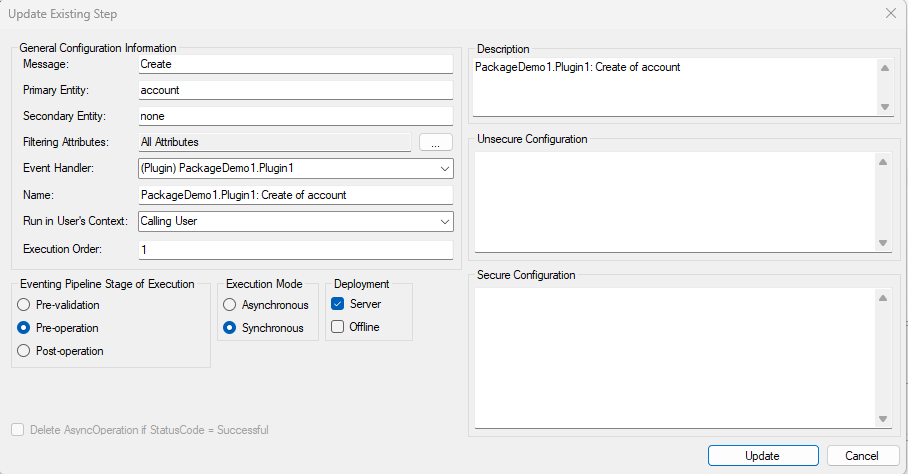
When creating plugins you need to register the assembly and the steps. With the Plugin Registration tool you get a overview of all your registered plugins and all the steps. You can easily create and update steps or disable steps if you don’t want them to run at that time. When you have finished creating a plugin and it’s steps you can add them directly from the plugin registration tool to the solution in Dataverse.

Plugin Trace Viewer
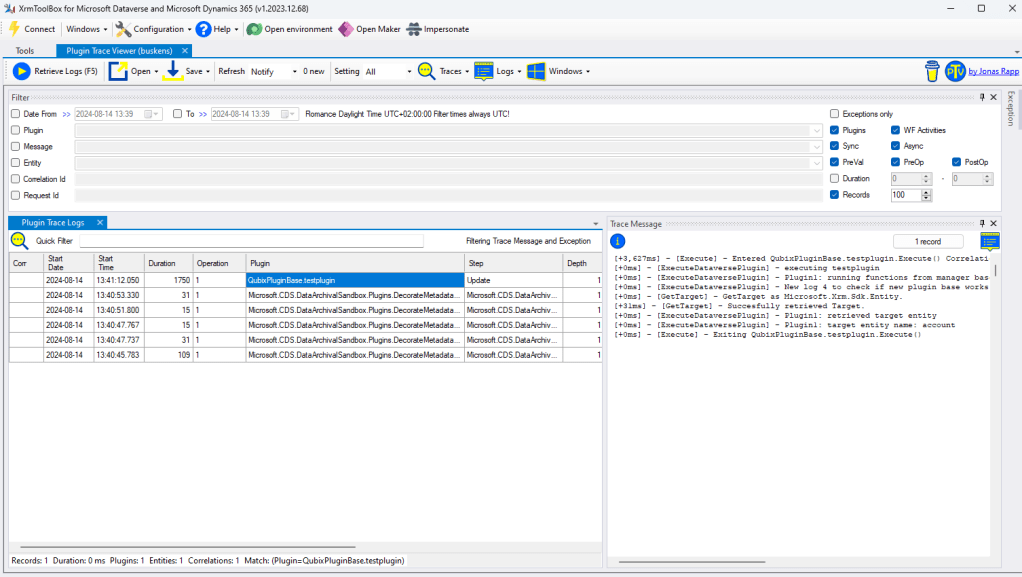
When developing Plugins it’s harder to debug them or to see in production what went wrong. With the Plugin Trace viewer you can easily see which plugins have run. You can see for each plugin run which logs were logged so you can see where your plugin failed which log was logged last so you debug your plugin more easily.
If you don’t want to see all your plugins you can easily filter on run date or on the name of the plugin.
FetchXml Builder
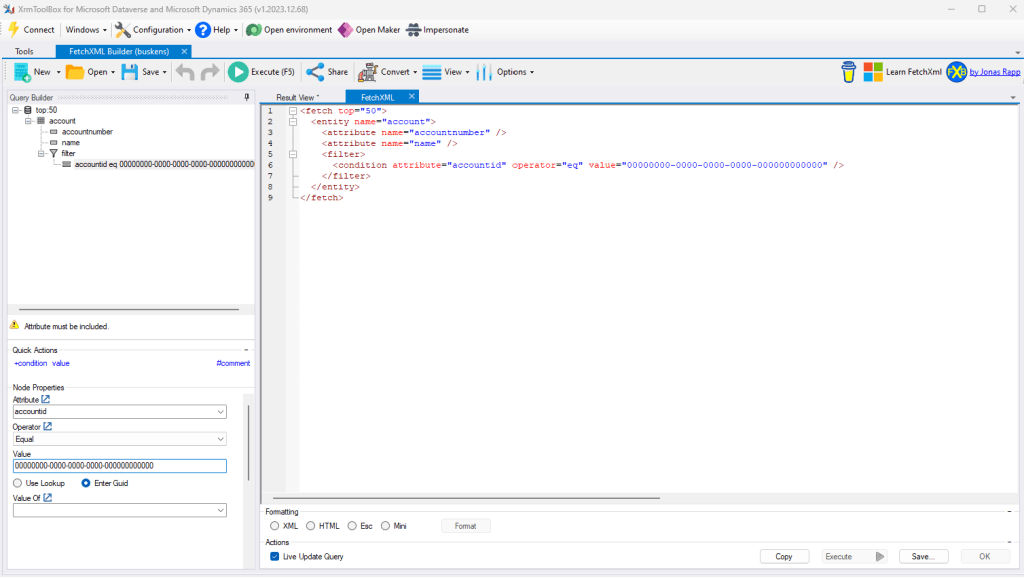
With the FetchXml Builder you can easily create your Queries to use in you code. With the use from the UI you can select your entity, which attributes to display, which filters to add and if you want even add related entities. In the tool you can directly test if the query gives the right result before adding it to your application.
FetchXml Tester
If you want to test a FetchXml query to check if it gives the right results you can use the FetchXml Tester. You just need to past in you query and “execute” the query.

Early Bound Generator V2
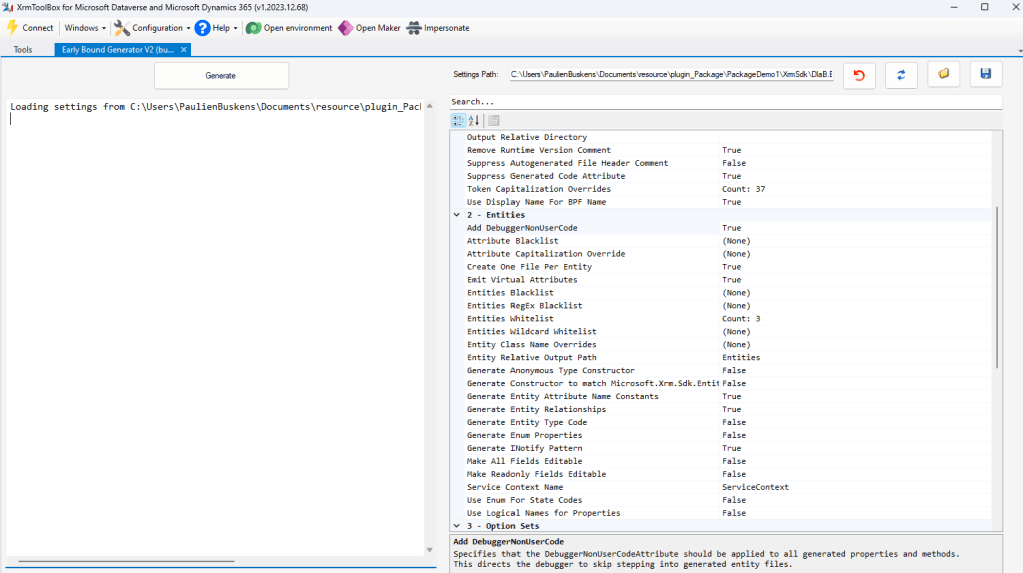
With the Early Bound Generator you can easily generate typing’s, actions and option sets for all your entities so its easier to develop Plugins without having to locally build you data model.
 Pauliens Blog
Plaats een reactie